
Your words, ready to share
Telugu Text to Image
Paste Telugu text, choose a font and layout, then download a PNG that keeps the appearance.
Text stays as entered. This tool does not translate or transliterate. Keep your own copy; layout settings stay on this page.
Regular weight · Mandali OFL licence. Latin symbols and emoji use available fallback fonts. Check these in the preview.
Your PNG
1080 × 1080 pxPreparing your text…
Preparing your text…
The preview is the exported bitmap. PNG keeps the appearance, rather than editable text. Generation happens in your browser.
Make a Telugu text image
- Paste your Telugu text above. Or use Create an image in the typing editor or InScript keyboard to bring your current words here.
- Choose one of the six fonts. Wait for that font to load; if it fails, choose Retry font or another family. The preview is hidden until the selected font is ready.
- Choose a square, portrait or landscape image, then adjust size, spacing, alignment and colours. The backgrounds include warm paper, forest, a soft gradient and a custom solid colour.
- Review the complete preview, then select Download PNG. Your browser handles the file named
telugu-image.png.
Keep every line visible
Explicit new lines and blank lines are kept. Long words wrap at written-character boundaries, and tabs appear as four spaces. Telugu combining marks have room inside the measured line boxes.
If the text cannot fit, the tool tells you and disables download. Try Fit text, smaller text or spacing, another image shape, or a shorter passage. It keeps your full input rather than silently removing words. Rendering supports up to 10,000 Unicode characters; this is a short-message image tool rather than a multipage document maker.
For editable long documents, use DOCX and the Word workflow.
Keep the font appearance
PNG stores pixels, so the recipient does not need your Telugu font to see the same image. This differs from copying text from a font preview, where the destination app chooses its own font.
Mandali, Ramabhadra, Suranna, NTR, Mallanna and Timmana are the same self-hosted OFL fonts used in our font collection. Each selected font links to its licence. Latin symbols and emoji may use fallback fonts; check them in your preview. Leave enough contrast between text and background.
PNG does not keep editable or searchable text. Include a plain-text version when the recipient needs to copy the words or use a screen reader.
An example result
A 1080 × 1080 square with Mandali, mixed Telugu and English, a blank line and a meeting time. Use Load sample in an empty tool to try these words.
Download the sample PNG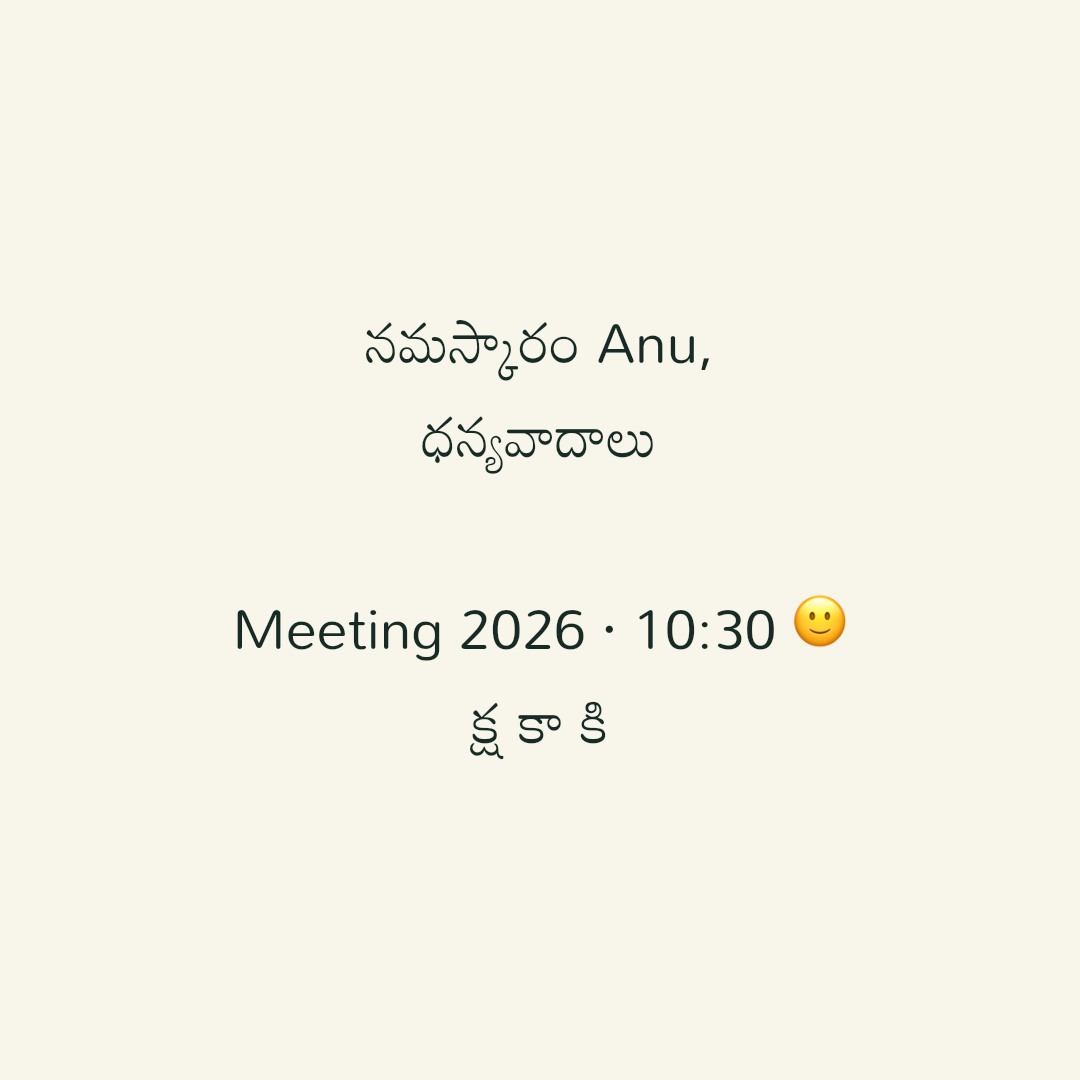
Your text stays in this browser
Image layout and PNG generation happen locally. Your words and image are not uploaded to an image service. Font files are fetched from this site; those requests do not include your text. Usage events exclude your writing and image settings.
Same-tab transfers keep text out of the URL. If you already enabled device draft saving in an editor, image text edits update that draft. Otherwise copy your text or download the PNG before leaving. Font, colour and layout choices are not saved across reloads. Read the privacy details.
If a font or download fails
Retry the selected font after checking your connection. Image output waits for that font and the site's base fonts. If download preparation fails, your text stays here and you can try again. Your device decides whether a PNG is downloaded or opened; use its save-image or file options as needed.
Use Continue editing this text to return to the original input tool. For a WhatsApp message that should stay editable, copy plain Telugu text; send the PNG as an image when its appearance matters.